In this blog we will discuss:
- What is VoIP Call Forwarding?
- Three Ways To Set Call Forwarding
- Pros Of VoIP Call Forwarding
- Cons Of Call Forwarding
- Important Pitfalls To Remember
- VoIP Charges
- FAQs about VoIP Call Forwarding
What is VoIP Call Forwarding?
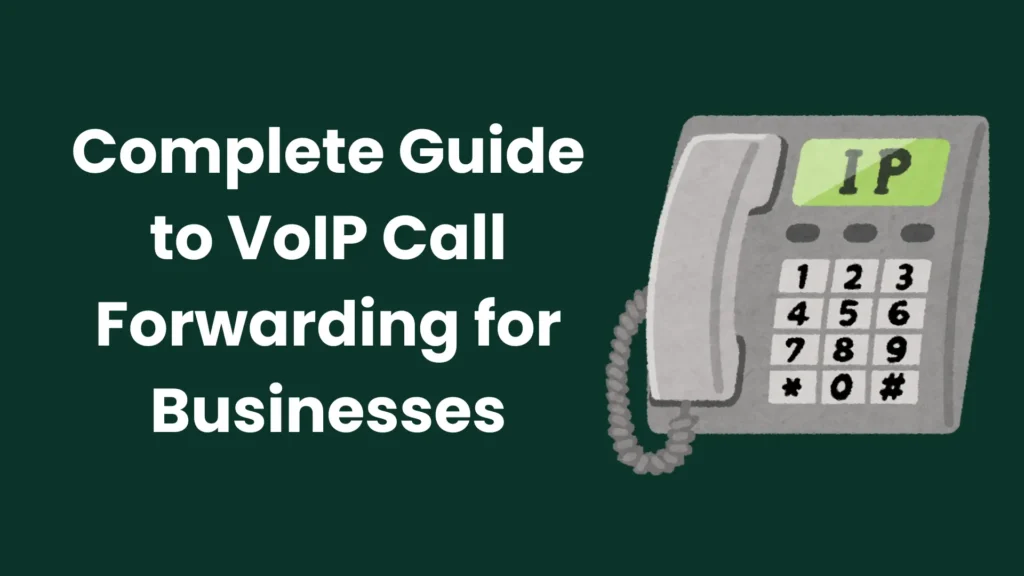
VoIP call forwarding is the ability to forward the calls to an external number. This could be forwarded to your cell phone, a landline, or another separate phone number with a different carrier than the one that you’re forwarding from, such as the phone line at your home or a second business location. In short, it can be forwarded to another phone number totally different from your voice over IP phone service provider.
Explore More About: What Is a VoIP Number? Complete Guide to How It Works, Security, Features & Benefits
Three Ways To Set Call Forwarding
You can set up VoIP call forwarding in three ways:
- Via Phone
- Via Administration Portal / Backend Portal
- Via Mobile App (Carrier-Dependent)
Phone Level
On your physical phone, press whatever function key on that phone allows you to forward, which is usually one button. And then you enter the area code of the number plus the seven digits number that you want to forward your calls out to and click okay or accept.
Administration Portal / Backend Portal
You can also set it via the administration portal or the backend portal of the phone system. Let’s discuss a scenario, let’s say that, you’re at home and you get a call from your boss at the office saying, hey, the power’s out here, or there’s a snowstorm here and the phones are down.
In such scenarios and others where you want to work remotely, you can log in to the backend administration portal of your phone system service provider and go into your extension and basically forward all your calls remotely right then and there.
You can instruct the phone system to forward all the calls for your extension to whatever number it is that you’re wanting to forward to. That gives you the ability to forward your calls remotely without actually going to the office and doing it. This is extremely useful for areas that may have been susceptible to power outages, natural disasters, etc.
You can also disable it remotely when you want your calls to come back into your phone that way.
Mobile App (Carrier-Dependent)
There is a third way that allows you to activate VoIP call forwarding but this depends on the carrier and the mobile app already pre-installed. Most of the Voice over IP carriers i.e. Vonage Business, Nextiva, RingCentral, have mobile applications that you can download on your device and allow you to control the call forwarding to and from your extension within the mobile app. That is a third way that you can use to control, enable and disable call forwarding as well.
Pros Of VoIP Call Forwarding
Let’s discuss the advantages you get upon setting VoIP call forwarding in the following passages:
Stay Available When You Can’t Be In The Office
Call forwarding allows you to forward all calls to an external number. This is extremely useful especially if you found out that you can’t come into the office, or if something has happened in your office and now you are being forced to vacate the office for a short term or even long term. Call forwarding is very useful for that so that you obviously don’t miss calls in the event where you can’t be available to answer your physical phone in the office for a short or long period of time. It means you can still get your calls and also still get voicemails and still be available.
Business Continuity If Your Phone Is Unavailable
If you’re in the office and you break a phone, or your phone is stolen or something like that, or in any event your phone is unavailable for use, you can set up a call forward remotely so that you still can get your calls to your cell phone or to another number of your choice that you have decided to forward your calls to. So that’s a big pro, to be able to ensure the continuity of your business and your reputation so that you don’t seem like somebody who’s just not returning phone calls and not checking voicemails.
Protection During Power or Internet Outages
You can forward all of your calls in the event of a power outage, your internet outage. If you abruptly lost power in your office, you obviously would not be able to interact with your phone, but you can still go into most voice over IP phone services. Not only the administrator or owner of the company, but also the individual staff members and users that have their own extensions, a separate login where you can log in to this from the internet from any computer, whether be from your home Wi-Fi or from a nearby Wi-Fi. You can literally go in and direct where you want your phone calls to go temporarily.
Cons Of Call Forwarding
VoIP call forwarding has many benefits for businesses especially during internet disruption at office places or natural disasters but it exhibits some cons too. Let’s go through them:
Loss Of Professional Voicemail And Business Greeting
The problem with call forwarding is that you won’t receive your phone calls on your normal extension. Your calls are being sent externally outside of the business phone system. Which means if somebody leaves you a message or they get your voicemail because you’ve sent the call outside of the system, they’re not gonna hear your business greeting like: This is Tom Ryan from ABC call center, You’ve reached my professional voicemail. Instead they’re going to get, Hi, this is Tom Ryan and you’ve reached my personal cell phone, or you’ve reached my personal home phone, or whatever. Keep this in mind.
There is a feature of VoIP call forwarding that is called simultaneous ring. In the simultaneous ring, the call is forwarded to both your desk phone and personal phone. If you answer on either one, you take the call. But if you do not answer, the call goes back to your business voicemail, not your personal cell phone voicemail. So the caller still hears your professional greeting instead of your personal message.
Forwarded Voicemails Cannot Be Accessed In The Business System
When a call is forwarded and goes to voicemail, it leaves your business phone system and cannot return to it. If someone reaches voicemail, they will get the voicemail box of the number you forwarded the call to, such as your personal cell phone or landline. This also means you cannot check those messages through your business hosted phone system. You would need to check them directly on the forwarded number.
Dead Phone Sends Calls Directly To Personal Voicemail
If you set up call forwarding to a cell phone and the phone is off or the battery is dead, the caller will go straight to the voicemail of the number you forwarded to. If you do not want voicemails left on your personal phone and want to keep everything professional, I don’t recommend call forwarding. I recommend using simultaneous ring.
Call Forwarding Fees
Some carriers will charge for calls to be forwarded within the auto attendant. No carrier that I know of at the time of this call charges for your regular extension to forward calls to an external number, but if you decide that you want to set up a function where people can call into an auto attendant and those calls will get virtually forwarded directly to external cell phones, there are some carriers out there that will charge a per minute fee for the time that that person is on the phone and connected on that call.
So if you’re shopping for carriers and call forwarding is a very powerful feature for you in the manner that I just described, it’s really important that you ask the carrier if there is a per minute charge or anything like that for the duration of forwarded calls.
Important Pitfalls To Remember
Call forwarding is super easy to use. Typically there’s two ways you can enable it: through simply setting up the forward on your phone in your office, or through the online portal. Most carriers have some sort of virtual administration portal where you can enable and disable call forwarding.
If you enable the call forwarding through your physical phone in the office and for some reason the power in your office either goes out or you lose internet in your office, your forward is effectively disabled. This is because you have enabled your call forward on your physical phone. If this is a concern, you need to set up your forward in the backend in the administration portal.
It doesn’t matter if you’ve disabled the forward on your physical phone. If you have set up the forward on the backend with your carrier, that forward is permanent until you go in and you actually disable that forward. The administration portal always supersedes the settings that are on the physical phone in the office, and that’s actually a good thing because it means that you can preserve your call routing even in the event that you lose power, or a phone is destroyed or stolen and broken, or you have a natural disaster at your office.
Last thing is don’t forget to turn it off. Make a note on a whiteboard, put it in your calendar, or put it in your reminders on your cell phone not only to cut off your call forward, but where you set it up at, did you set it up on the handset or did you set it up on the internet. Make some notes so that you know where to go to quickly and effectively cut it off so that you don’t have a big mess of where your calls are getting forwarded to.
VoIP Charges
Every single voice over IP provider on the market currently, every hosted voice over IP provider offers call forwarding as an included feature for every single user to be able to have at their disposal on the account. It doesn’t cost any extra to have this. It doesn’t cost you any less or any extra to use it or not to use it. Keep in mind, if you want to use call forwarding in the auto attendant, not all but some carriers will charge a per minute fee for the duration of the call when the call is forwarded out.
FAQs about VoIP Call Forwarding
What happens to voicemail when a call is forwarded?
When a call is forwarded and goes to voicemail, it leaves your business phone system and cannot return to it. If someone reaches voicemail, they will get the voicemail box of the number you forwarded the call to, such as your personal cell phone or landline. This also means you cannot check those messages through your business hosted phone system. You would need to check them directly on the forwarded number.
What is the difference between call forwarding and simultaneous ring?
Call forwarding sends calls completely outside your business phone system. In the simultaneous ring, the call is forwarded to both your desk phone and personal phone. If you answer on either one, you take the call. But if you do not answer, the call goes back to your business voicemail, not your personal cell phone voicemail. So the caller still hears your professional greeting instead of your personal message.
Can I set up call forwarding remotely?
Yes. You can set up VoIP call forwarding in three ways:
- Via Phone
- Via Administration Portal / Backend Portal
- Via Mobile App (Carrier-Dependent)
Why did my call forwarding stop working during a power outage?
If you enable the call forwarding through your physical phone in the office and for some reason the power in your office either goes out or you lose internet in your office, your forward is effectively disabled. This is because you have enabled your call forward on your physical phone. If this is a concern, you need to set up your forward in the backend in the administration portal.
Is VoIP call forwarding free?
Every single voice over IP provider on the market currently, every hosted voice over IP provider offers call forwarding as an included feature for every single user to be able to have at their disposal on the account. It doesn’t cost any extra to have this. It doesn’t cost you any less or any extra to use it or not to use it. Keep in mind, if you want to use call forwarding in the auto attendant, not all but some carriers will charge a per minute fee for the duration of the call when the call is forwarded out.